
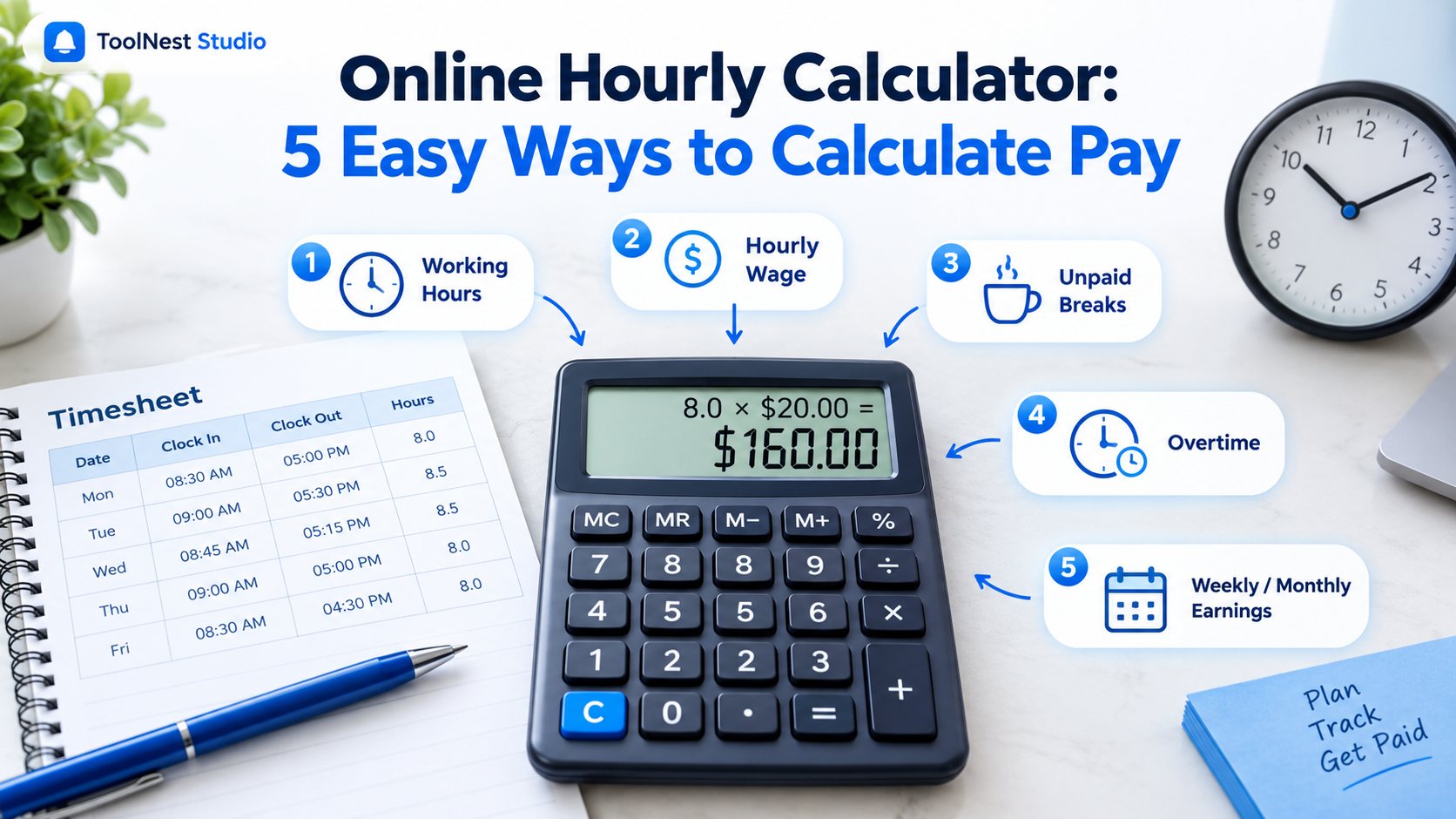
Online Hourly Calculator: 5 Easy Ways to Calculate Pay
Introduction
Online Hourly Calculator is a useful way to understand how working hours, hourly wages, and total earnings are calculated. Whether you work full-time, part-time, or as a freelancer, knowing your working hours helps you estimate your income and manage your schedule.
Your total pay depends on factors such as your hourly wage, hours worked, unpaid breaks, and overtime. In this guide, you will learn simple formulas and practical examples to calculate working hours, hourly pay, weekly earnings, and monthly income accurately.
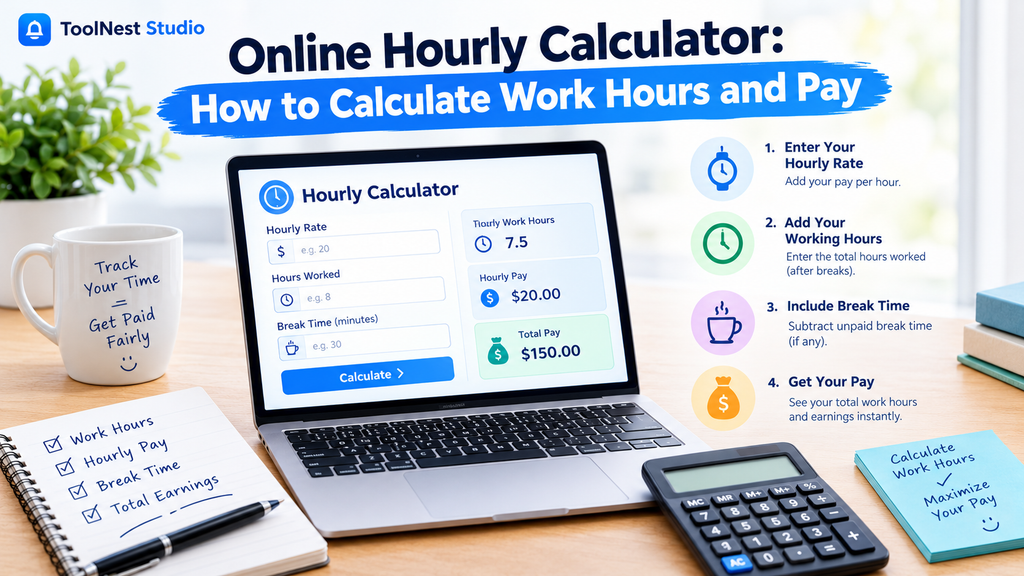
Online Hourly Calculator: How to Calculate Work Hours and Pay
An online hourly calculator helps people understand how working hours and hourly wages are calculated. It can be useful for employees, freelancers, and part-time workers who want to estimate their earnings based on the time they work.
Your total pay depends on several factors, including your hourly wage, working hours, unpaid breaks, and any eligible overtime. Understanding these calculations can help you check your paycheck, track your working time, and estimate your weekly or monthly income.
In this guide, you will learn how to calculate working hours, convert minutes into decimal hours, calculate hourly earnings, and understand overtime pay using simple formulas and practical examples.
What Is an Online Hourly Calculator?
An online hourly calculator is a digital tool designed to calculate working time and estimate earnings based on an hourly pay rate.
Depending on the calculator, users may enter their working hours, hourly wage, and break duration to estimate total work time and gross pay.
These calculations are useful for:
- Employees who receive hourly wages.
- Freelancers who charge clients by the hour.
- Part-time workers with changing schedules.
- Employers who review employee timesheets.
- Individuals who want to estimate their income.
An hourly calculator can save time compared with manual calculations. However, understanding the formulas is also important so you can check your results.
How to Calculate Working Hours
To calculate working hours, subtract your starting time from your finishing time. If you take an unpaid break, subtract that time from the total.
Formula:
Net Working Hours = End Time − Start Time − Unpaid Break Time
Example of Working Hours Calculation
Suppose you start working at 8:30 AM and finish at 5:00 PM. You also take a 30-minute unpaid lunch break.
| Detail | Time |
|---|---|
| Starting time | 8:30 AM |
| Finishing time | 5:00 PM |
| Total time | 8 hours 30 minutes |
| Unpaid break | 30 minutes |
| Net working time | 8 hours |
Your actual working time is 8 hours.
This method helps employees calculate daily working hours and check whether their timesheets are accurate.
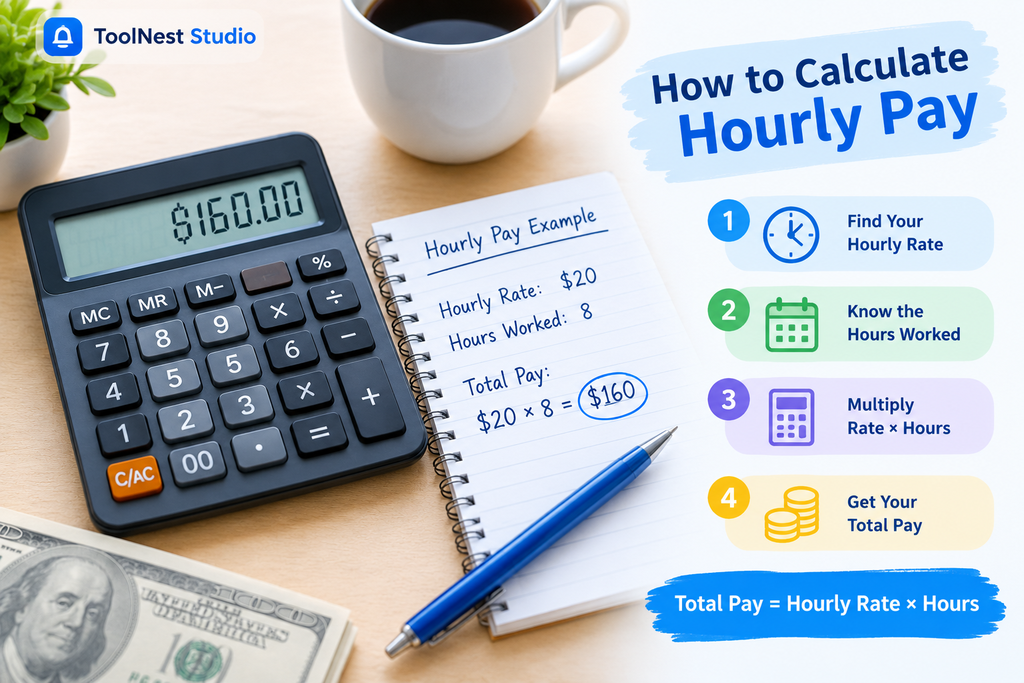
How to Calculate Hourly Pay
An hourly wage is the amount of money you earn for each hour of work. You can calculate your gross earnings by multiplying your hourly rate by the total hours worked.
Formula:
Total Gross Pay = Hourly Rate × Hours Worked
Hourly Pay Calculation Example
Suppose your hourly wage is $20 and you work 8 hours in one day.
$20 × 8 = $160
Your gross earnings for that day are $160 before taxes and other deductions.
Hourly Earnings at Different Pay Rates
The following table shows estimated daily earnings for different hourly rates, assuming 8 working hours.
| Hourly Rate | Daily Hours | Gross Earnings |
|---|---|---|
| $15 | 8 | $120 |
| $18 | 8 | $144 |
| $20 | 8 | $160 |
| $25 | 8 | $200 |
| $30 | 8 | $240 |
Your actual paycheck may be different depending on your working schedule, overtime, and payroll deductions.
How to Calculate Break Time
Break time is the period when you stop working during a shift. Whether a break is included in paid working hours depends on whether it is paid or unpaid.
To calculate your net working time, subtract unpaid breaks from the total time between your starting and finishing times.
Formula:
Net Working Time = Total Shift Time − Unpaid Break Time
Example
Suppose you work from 9:00 AM to 6:00 PM and take a one-hour unpaid lunch break.
- Total shift time: 9 hours
- Unpaid lunch break: 1 hour
- Net working time: 8 hours
Your actual working time is 8 hours.
Paid Breaks vs. Unpaid Breaks
| Break Type | How It Affects Working Time |
|---|---|
| Paid break | Generally included in paid hours |
| Unpaid break | Subtracted from paid hours |
| Lunch break | Depends on whether it is paid |
| Rest break | Depends on workplace rules and applicable laws |
Always check your employment agreement and local labor rules to understand how breaks affect your pay.
How to Calculate Weekly Working Hours
Weekly working hours are the total number of hours you work during a seven-day period.
To calculate them, add your daily working hours after subtracting any unpaid breaks.
Formula:
Weekly Working Hours = Total of Daily Working Hours
Weekly Working Hours Example
Suppose you work the following schedule:
| Day | Working Hours |
|---|---|
| Monday | 8 |
| Tuesday | 8 |
| Wednesday | 7 |
| Thursday | 8 |
| Friday | 8 |
| Saturday | 4 |
| Sunday | 0 |
| Total | 43 hours |
Your total weekly working time is 43 hours.
This calculation is useful for tracking your schedule, reviewing timesheets, and estimating weekly earnings.
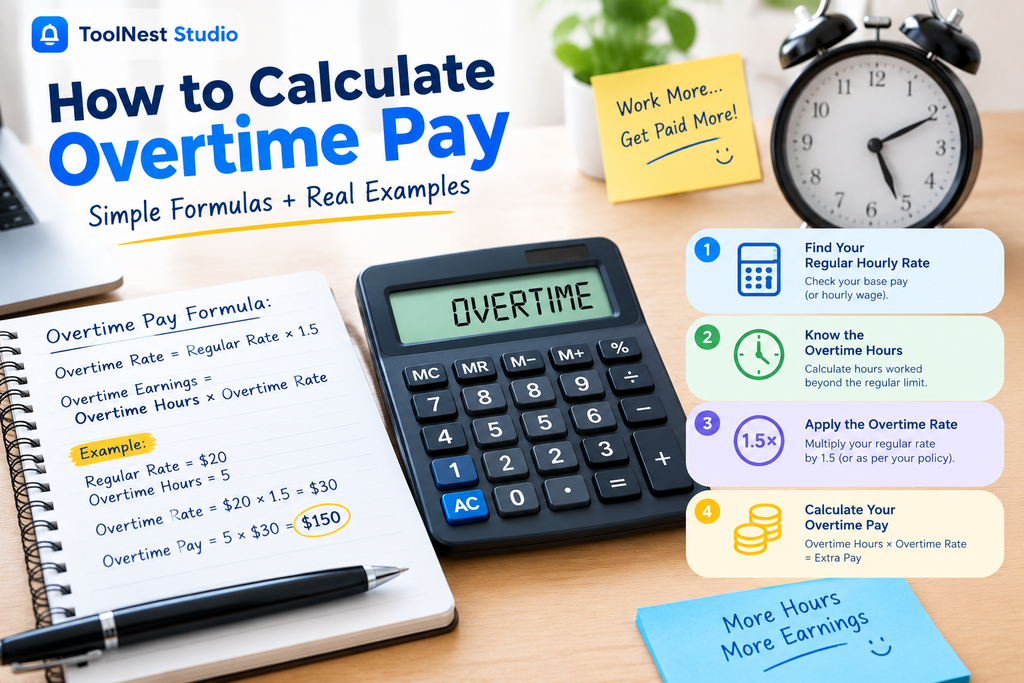
How to Calculate Overtime Pay
Overtime pay is additional compensation for eligible hours worked beyond the applicable regular working-hour threshold.
The overtime rate depends on employment laws, your job classification, and your employment agreement.
For example, a commonly used overtime rate in the United States for eligible nonexempt employees is 1.5 times their regular hourly rate for qualifying overtime hours.
Formula:
Overtime Rate = Regular Hourly Rate × Overtime Multiplier
Overtime Earnings = Overtime Hours × Overtime Rate
Overtime Pay Example
Suppose you earn $20 per hour and qualify for overtime at 1.5 times your regular rate. You work 3 overtime hours.
First, calculate your overtime rate:
$20 × 1.5 = $30
Next, calculate your overtime earnings:
$30 × 3 = $90
Your overtime earnings are $90.
If you also worked 40 regular hours, your regular earnings would be:
40 × $20 = $800
Your total gross earnings would be:
$800 + $90 = $890
Overtime eligibility and payment requirements vary, so check the applicable employment rules before estimating your actual pay.
How to Convert Hours and Minutes Into Decimal Hours
Payroll systems and timesheets sometimes use decimal hours instead of the traditional hours-and-minutes format.
For example, 7 hours and 30 minutes equals 7.5 decimal hours.
To convert minutes into decimal hours, divide the number of minutes by 60 and add the result to the full hours.
Formula:
Decimal Hours = Full Hours + (Minutes ÷ 60)
Common Time Conversions
| Hours and Minutes | Decimal Hours |
|---|---|
| 15 minutes | 0.25 |
| 30 minutes | 0.50 |
| 45 minutes | 0.75 |
| 1 hour 15 minutes | 1.25 |
| 1 hour 30 minutes | 1.50 |
| 2 hours 45 minutes | 2.75 |
| 7 hours 30 minutes | 7.50 |
For example, to convert 7 hours and 45 minutes:
7 + (45 ÷ 60) = 7.75 hours.
This conversion is useful when preparing timesheets, calculating wages, and recording billable hours.
How to Calculate Monthly Earnings From an Hourly Rate
You can estimate monthly income by multiplying your hourly wage by your average monthly working hours.
For a consistent 40-hour workweek, assuming 52 working weeks per year:
40 × 52 ÷ 12 = 173.33 average monthly hours.
Suppose your hourly wage is $20.
173.33 × $20 = $3,466.60 (approximately).
Your estimated monthly gross earnings are about $3,466.67 when calculated using the unrounded monthly hours.
Monthly Earnings at Different Hourly Rates
The following estimates assume 40 working hours per week and 52 working weeks per year.
| Hourly Rate | Weekly Earnings | Monthly Earnings |
|---|---|---|
| $15 | $600 | $2,600 |
| $18 | $720 | $3,120 |
| $20 | $800 | $3,466.67 |
| $25 | $1,000 | $4,333.33 |
| $30 | $1,200 | $5,200 |
These amounts represent estimated gross income before taxes and other deductions. Actual monthly earnings can vary depending on unpaid leave, holidays, and changes in your work schedule.
Common Mistakes When Calculating Working Hours and Pay
Small errors in time entries or pay calculations can affect your estimated earnings. Avoid these common mistakes:
1. Forgetting Unpaid Breaks
If you do not subtract unpaid breaks, your total working hours may be higher than your actual paid hours.
2. Entering Incorrect AM or PM Times
Always check whether your shift starts or ends in the morning or evening. Incorrect entries can lead to inaccurate calculations.
3. Ignoring Overnight Shifts
A shift from 10:00 PM to 6:00 AM crosses midnight. You must account for the next calendar day when calculating the total duration.
4. Confusing Minutes With Decimal Hours
Thirty minutes equals 0.5 hours, not 0.30 hours. Divide minutes by 60 when converting them into decimal hours.
5. Using the Wrong Overtime Rate
Overtime rules vary by location and employment classification. Always use the rate that applies to your situation.
6. Confusing Gross Pay With Net Pay
Gross pay is your earnings before deductions. Net pay is the amount you receive after taxes and other applicable deductions.
Frequently Asked Questions
1. What is an online hourly calculator used for?
An online hourly calculator helps calculate working time and estimate earnings based on an hourly wage. It can also account for unpaid breaks and overtime, depending on its features.
2. How do I calculate my hourly pay?
Multiply your total working hours by your hourly wage. For example, 8 hours at $20 per hour equals $160 in gross earnings.
3. How do I calculate my total working hours?
Subtract your starting time from your finishing time, then subtract any unpaid breaks. The remaining time is your net working time.
4. How do I calculate overtime pay?
Multiply your regular hourly wage by the applicable overtime multiplier. Then multiply the overtime rate by the number of eligible overtime hours.
5. How many working hours are in a 40-hour workweek?
A 40-hour workweek contains 40 working hours, commonly divided into five 8-hour workdays. Actual schedules can vary by employer.
6. How can I calculate monthly income from an hourly wage?
Multiply your hourly wage by your average monthly working hours. For a consistent 40-hour workweek, the average is approximately 173.33 hours per month, assuming 52 working weeks per year.