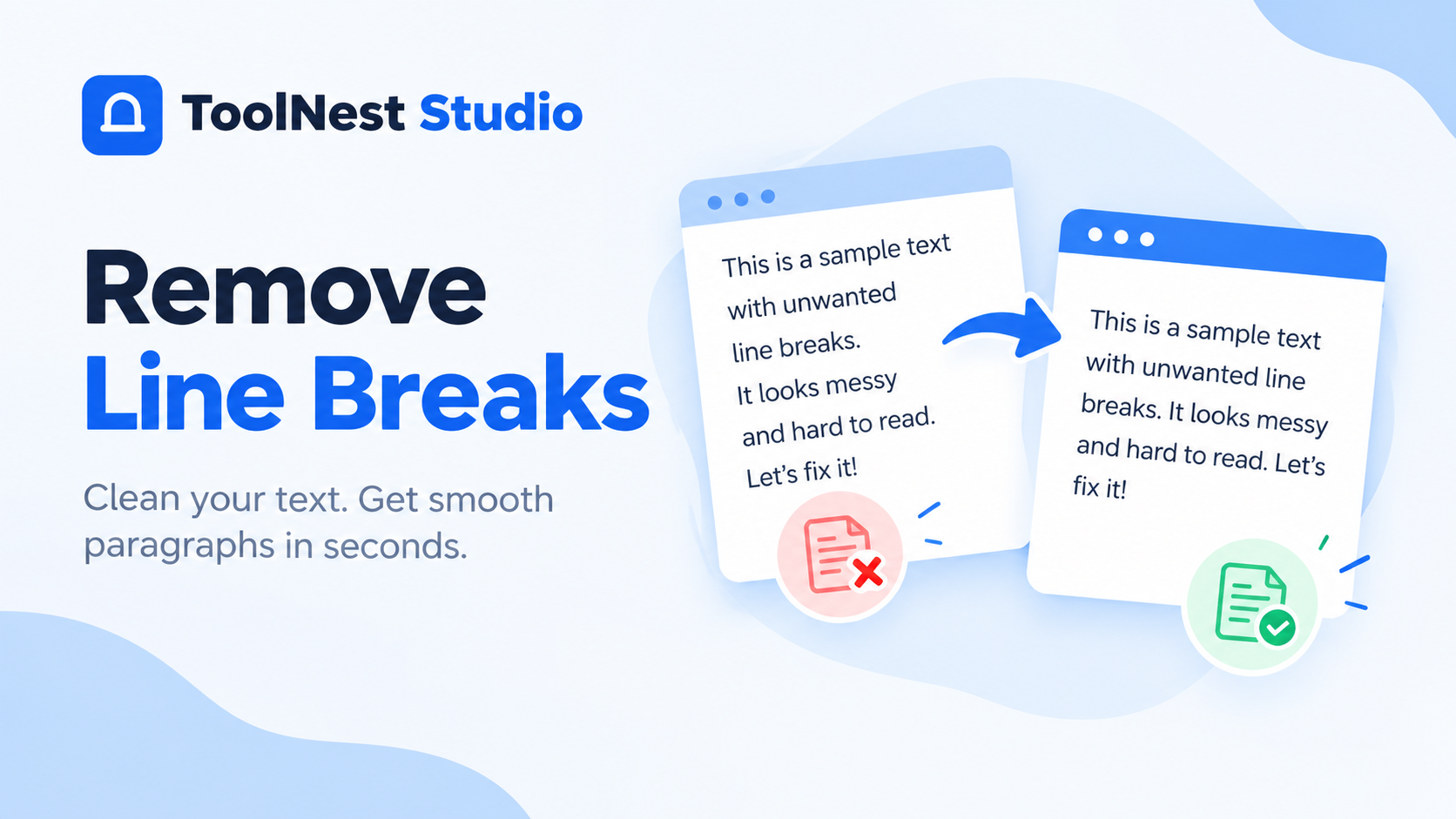
Remove Line Breaks: 5 Easy Ways to Clean Text Online
Remove Line Breaks from your text to make copied content cleaner and easier to read. Unwanted line breaks often appear when you copy text from PDFs, websites, emails, or Word documents. They can split sentences into separate lines and make paragraphs look messy.
You do not need to fix every line manually. An online line break remover can join separate lines, remove empty lines, and improve text formatting in seconds.
In this guide, you will learn how to remove line breaks online, when to keep spaces, and how to clean text without losing its original meaning.
What Are Line Breaks in Text?
A line break is a character or formatting mark that moves text to a new line. You usually create one by pressing the Enter or Return key.
For example, consider this text:
Text with line breaks:
Remove unwanted line breaks
from copied text
to make it easier
to read.
The same text can appear as a single paragraph:
Text without line breaks:
Remove unwanted line breaks from copied text to make it easier to read.
Line breaks are useful when formatting paragraphs, lists, and addresses. However, they can become a problem when copied text contains unnecessary breaks.
Line Breaks vs. Paragraph Breaks
These two terms are related, but they do not always mean the same thing.
| Line Break | Paragraph Break |
|---|---|
| Moves text to a new line | Starts a new paragraph |
| Can appear within a paragraph | Separates different paragraphs |
| Often caused by formatting | Usually marks a change in thought |
| Can be removed to join text | Should often be preserved |
A single line break may represent a paragraph boundary in plain text. This is why you should check the result before removing all breaks.
How to Remove Line Breaks Online
The easiest way to remove line breaks from text is to use an online text-cleaning tool.
You can also use the existing ToolNest Studio Text Tools section to access text-cleaning features.
Follow these steps to clean your text:
- Copy your text: Select the text that contains unwanted line breaks.
- Paste your text: Place the copied content into the text input area.
- Choose the cleaning option: Decide whether you want to remove all breaks, replace them with spaces, or remove empty lines.
- Review the output: Check that the sentences and paragraphs still make sense.
- Copy the cleaned text: Use the formatted text wherever you need it.
This method is useful for cleaning copied content without editing every line manually.
5 Ways to Remove Line Breaks from Text
Different types of text need different formatting options. Here are five common ways to remove line breaks based on your needs.
1. Remove Line Breaks Online with Spaces
This is one of the most useful methods for cleaning paragraphs.
When you remove line breaks with spaces, the tool replaces each line break with a regular space. This keeps words separated and helps maintain the original sentence structure.
Before:
Online text tools
can help you
clean copied content.
After:
Online text tools can help you clean copied content.
Use this method when cleaning text copied from PDFs, websites, emails, or documents.
2. Remove All Line Breaks Completely
Sometimes, you need to delete line breaks without adding spaces.
This method joins separate lines directly together. It can be useful for certain data formats, codes, or text strings that must not contain newline characters.
Before:
ABC
123
XYZ
After:
ABC123XYZ
Be careful when using this option. If your text contains normal words, removing line breaks without spaces can combine words and make the text difficult to read.
3. Remove Empty Lines from Text
Empty lines create extra gaps between text. They often appear when copying content from documents or websites.
Removing empty lines helps make your text more compact without joining every line together.
Before:
First line of text.
Second line of text.
Third line of text.
After:
First line of text.
Second line of text.
Third line of text.
This method is useful for cleaning lists, notes, and copied text with unnecessary blank spaces.
4. Remove Line Breaks Without Removing Paragraphs
Sometimes, you want to join lines within a paragraph but keep separate paragraphs.
For example, text copied from a PDF may have a line break after every few words. However, the original document may contain only one paragraph.
Before:
Online tools make text cleaning
simple and convenient.
They help users remove
unwanted formatting.
After:
Online tools make text cleaning simple and convenient.
They help users remove unwanted formatting.
This method works best when blank lines already separate the original paragraphs.
If the text does not contain clear paragraph breaks, you may need to add them manually after cleaning.
5. Remove Line Breaks from Copy Paste Text
Copied text can contain unwanted formatting that makes it difficult to use in another document.
This often happens when copying content from:
- PDF documents
- Microsoft Word files
- Websites
- Emails
- Online articles
- Text editors
For example, a sentence copied from a PDF may look like this:
Many people use online tools
to clean text formatting
and remove unwanted breaks.
After removing the line breaks, it becomes:
Many people use online tools to clean text formatting and remove unwanted breaks.
This makes the content easier to edit and reuse.
Why Do Unwanted Line Breaks Appear?
Unwanted line breaks can appear for several reasons.
Copying Text from PDFs
PDF files are designed to preserve the layout of a page. When you copy text, the extracted content may contain line breaks that do not match the original paragraph structure.
A paragraph may appear as several separate lines after copying.
Copying Text from Websites
Some websites use special formatting to display content. When you copy the text, these formatting elements may create unwanted line breaks.
Using Word Documents
Word documents can contain manual line breaks, paragraph breaks, and other formatting marks.
These elements may affect how the text appears when pasted into another application.
Formatting Text for Websites
Content writers often need to clean text before adding it to a website or content management system.
Removing unwanted line breaks can make the text easier to format and edit.
When Should You Remove Line Breaks?
Removing line breaks is helpful in many situations, but it is not always necessary.
| Situation | Recommended Action |
|---|---|
| Text copied from a PDF | Replace line breaks with spaces |
| Text with too many blank lines | Remove empty lines |
| Text copied from a website | Join broken lines |
| Text with separate paragraphs | Preserve paragraph breaks |
| Data that must be continuous | Remove breaks completely |
| Text for a website or email | Clean unwanted formatting |
The best option depends on how you plan to use the text.
For normal paragraphs, replacing line breaks with spaces is usually the safest choice.
Common Mistakes When Removing Line Breaks
Removing line breaks is simple, but choosing the wrong option can affect your text.
Removing Breaks Without Spaces
If you remove line breaks completely, words may become joined together.
For example:
- Before:
Remove+Breaks - After:
RemoveBreaks
If you want readable sentences, replace line breaks with spaces instead.
Removing Paragraph Breaks
Not every line break is unwanted. Some breaks separate different paragraphs or list items.
Removing all of them can make your text look like one large block.
Ignoring Empty Lines
Some text contains blank lines that include spaces or tabs. These may not be removed by a basic line break remover.
A text-cleaning tool that handles empty lines can help you remove this extra spacing.
Not Checking the Final Text
Always review the cleaned text before using it.
Check that:
- Words are still separated correctly.
- Sentences remain readable.
- Paragraphs are in the right places.
- Important formatting has not been lost.
Frequently Asked Questions
How do I remove line breaks from text?
Paste your text into an online line break remover. Choose the option to replace line breaks with spaces, review the result, and copy the cleaned text.
How can I remove line breaks without removing spaces?
Choose an option that replaces line breaks with spaces instead of deleting them completely. This keeps words separated and makes the text easier to read.
Can I remove line breaks from copied PDF text?
Yes. Copy the text from your PDF and paste it into a text-cleaning tool. Replace unwanted line breaks with spaces, then review the result for broken words or other formatting issues.
How do I remove empty lines from text?
Use a tool with an option to remove empty lines. This removes blank rows while keeping the remaining lines separate.
Does removing line breaks change the words in my text?
Removing line breaks should not change the actual words. However, deleting breaks without spaces can join words together. Always check the output before using it.
Is there a difference between a line break and a paragraph break?
Yes. A line break moves text to a new line, while a paragraph break marks the end of a paragraph. Removing paragraph breaks can affect the structure and readability of your content.
Conclusion
Removing unwanted line breaks helps make copied text cleaner and easier to read. It is especially useful when working with PDFs, websites, emails, and documents.
The right method depends on your text. Replace line breaks with spaces for normal paragraphs, remove empty lines to reduce unnecessary gaps, and preserve paragraph breaks when they are needed.
Before using the cleaned text, review the result to make sure the words and paragraphs remain correctly formatted.