Sitemap Generator SpellMistake: 5 Easy SEO Tips
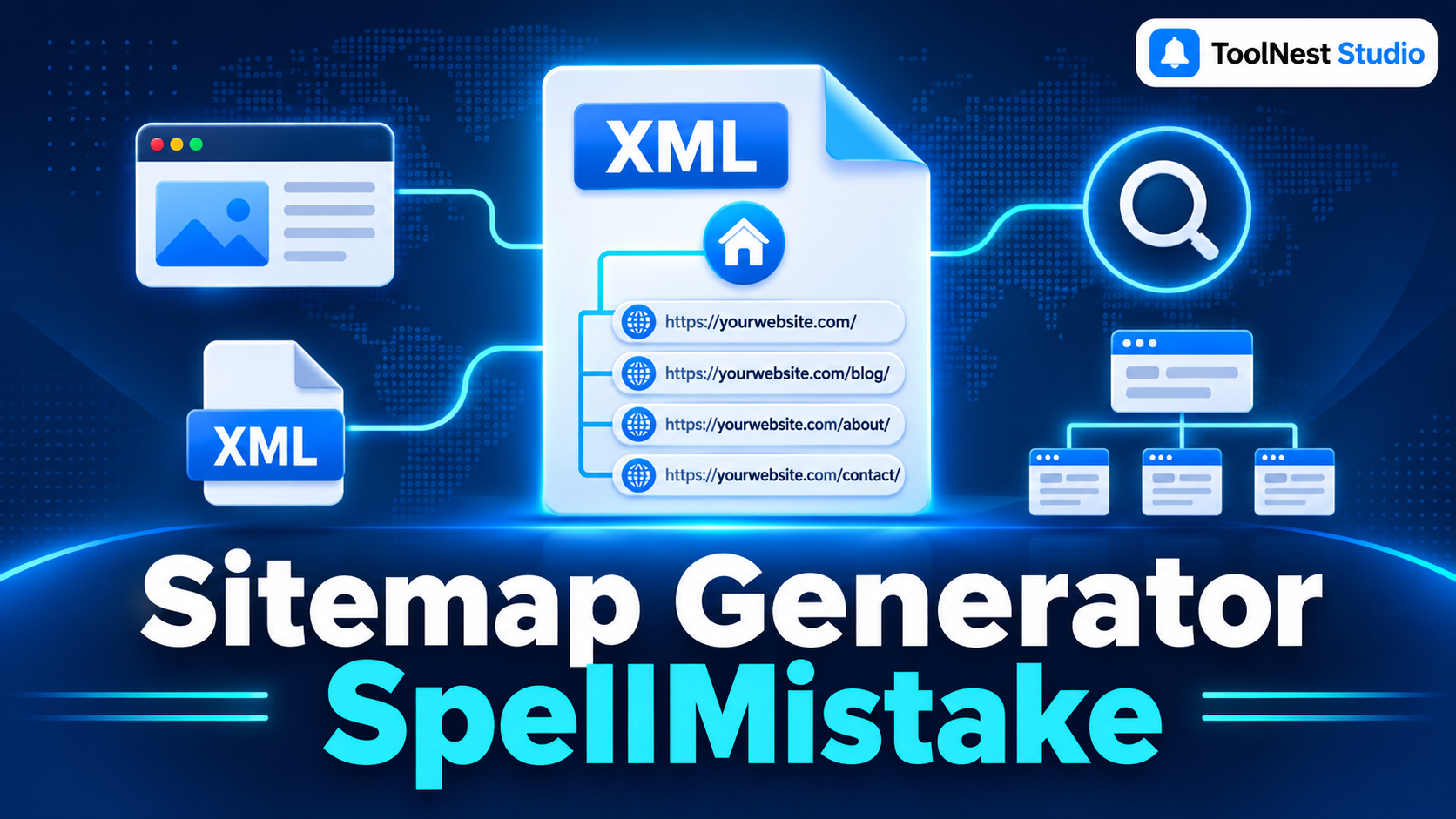
Sitemap Generator SpellMistake is a topic worth understanding if you want search engines to discover your website pages more easily. A sitemap provides information about the important URLs on your website. It helps search engines find pages that they might not discover through regular crawling.
Website owners can use sitemap generators to create XML sitemap files without writing the entire structure manually. However, generating a sitemap is only one part of technical SEO. You should also check its URLs, upload the file correctly, and submit it to Google Search Console.
In this guide, you will learn what the Sitemap Generator SpellMistake is, how sitemap generators work, what to check before using one, and how to submit your sitemap.
1. What Is Sitemap Generator SpellMistake?
Sitemap Generator SpellMistake refers to an online sitemap generation tool available through the SpellMistake website. It is presented as a way to create a sitemap for a website without manually preparing every URL.
A sitemap is a file that lists the important pages of a website. Search engines can use this file to discover URLs and understand which pages a website owner considers important.
Most websites use XML sitemaps because they follow a standard format supported by major search engines. These files usually contain page URLs and may include additional information, such as the last modification date.
A sitemap does not force Google to index every listed page. It simply provides useful information that can support the crawling and discovery process.
2. Why Do Websites Need an XML Sitemap?
An XML sitemap is useful because it gives search engines a clear list of the URLs you want them to discover.
This can be especially helpful for websites with many pages, new websites, and websites with complex navigation.
Here are some common reasons to create a sitemap:
- Better URL discovery: It helps search engines find important pages.
- New website support: It gives search engines a list of URLs when a website has limited external links.
- Large website management: It provides an organized list of important pages.
- Content updates: The sitemap can include information about when a page was last modified.
- Technical SEO: It helps website owners review which URLs are included in their sitemap.
A sitemap is not a ranking guarantee. Google can still choose whether to crawl and index each URL.
3. How Does Sitemap Generator SpellMistake Work?
Sitemap generators generally create an XML file containing website URLs. The exact process and available settings depend on the tool.
The general process usually includes these stages:
Website URL Input: The user provides the website address or the URLs that need to be included.
URL Collection: The generator collects or processes the website URLs according to its supported method.
Sitemap Creation: The collected URLs are arranged in the required XML sitemap structure.
File Download: The generated sitemap can be downloaded or saved, depending on the tool’s available options.
Website Upload: The sitemap file is placed on the website so search engines can access it.
Before using Sitemap Generator SpellMistake, check its current interface and available options. Do not assume that every sitemap generator offers automatic crawling, duplicate removal, or advanced URL settings.
4. How to Generate an XML Sitemap Online
You can create an XML sitemap with an online generator or a tool that supports sitemap creation. The general process is straightforward.
Follow these steps:
- Open the sitemap generator you want to use.
- Enter your website URL or provide the URLs required by the tool.
- Review the available sitemap settings.
- Start the generation process.
- Download the generated XML file if the tool provides a download option.
- Check the file to make sure it contains the correct website URLs.
- Upload the sitemap to your website’s root directory or another suitable location.
The exact steps may differ between tools. Always follow the instructions shown on the generator you are using.
You can also use the ToolNest Studio XML Sitemap Generator to create an XML sitemap from a list of website URLs. It provides options for change frequency, priority, and date.
5. Important XML Sitemap Features to Check
Before choosing a Free Sitemap Generator, review its features. A tool should help you create a properly structured sitemap that matches your website’s needs.
Consider these important points:
XML Format Support
The generator should create a sitemap in the standard XML format. This makes the file suitable for use with search engine platforms that support XML sitemaps.
URL Accuracy
Every URL should point to the correct page on your website. Check for incorrect domains, broken links, and unnecessary URL variations.
Last Modification Date
Some sitemap generators support a last modification date. This information can help search engines understand when a page was last updated.
Only use accurate modification dates. Do not change dates just to make search engines think that old content is new.
Change Frequency and Priority
Some generators allow users to add change frequency and priority values. These fields can describe how often a page may change and its relative importance within the website.
However, these values do not guarantee that search engines will crawl a page more often or rank it higher.
Download and Upload Options
Check whether the tool allows you to download the generated sitemap. You should also know how to upload the file to your website so search engines can access it.
6. How to Submit Your Sitemap to Google Search Console
Creating an XML Sitemap Creator file is not the final step. You should make sure the sitemap is available online and submit it through Google Search Console.
Follow this process:
- Open Google Search Console.
- Select the correct website property.
- Open the Sitemaps section.
- Enter your sitemap URL, such as
https://example.com/sitemap.xml. - Click the submit option.
- Review the submission status and any reported errors.
Google may take time to process a submitted sitemap. Submission does not guarantee that every URL will be crawled or indexed.
You can also add your sitemap location to your website’s robots.txt file. This gives search engines another way to discover the sitemap.
For official instructions, read Google’s guide to building and submitting a sitemap.
7. Common Sitemap Mistakes to Avoid
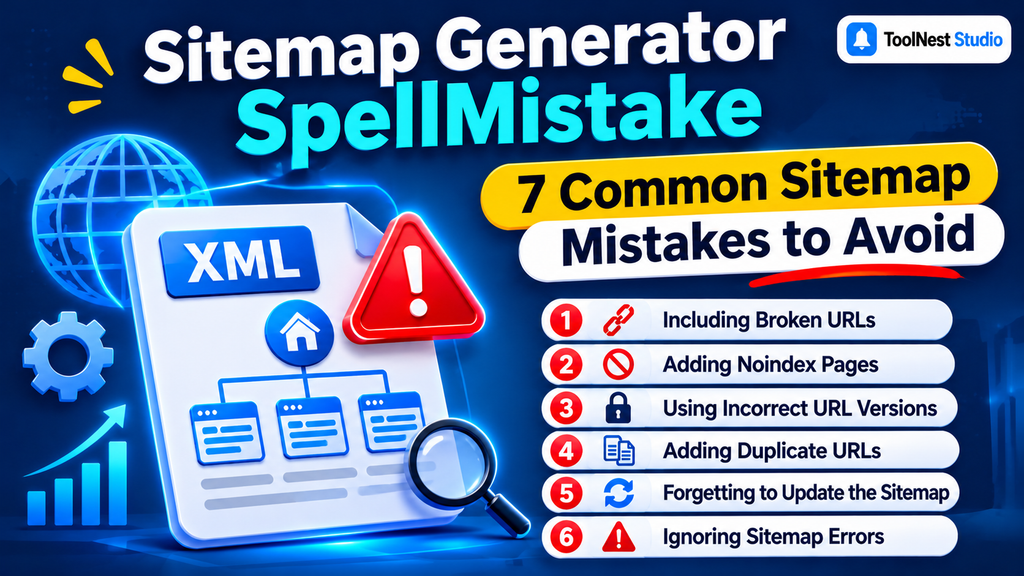
A sitemap can contain errors if you do not review it before submission. Check these common problems to keep your sitemap clean.
Including Broken URLs
Do not include pages that return errors or no longer exist. Review the URLs before submitting the file.
Adding Noindex Pages
Pages marked with a noindex directive generally should not be included in your sitemap. Include URLs that you want search engines to consider for indexing.
Using Incorrect URL Versions
Use the correct HTTPS version of your website. Avoid mixing HTTP and HTTPS URLs or different versions of your domain.
Adding Duplicate URLs
Duplicate URL versions can make your sitemap less useful. Check for unnecessary URL parameters and other variations of the same page.
Forgetting to Update the Sitemap
Your sitemap should reflect important changes to your website. When you publish, remove, or significantly update pages, make sure the sitemap remains accurate.
Ignoring Sitemap Errors
After submitting your sitemap, review its status in Google Search Console. Fix reported problems instead of assuming that a successful submission means every URL is valid.
XML Sitemap Limits You Should Know
Google supports up to 50,000 URLs or 50 MB of uncompressed data in a single sitemap file. If your website exceeds either limit, you need to split the URLs into multiple sitemap files.
You can then use a sitemap index file to list those individual sitemaps.
These limits are important when selecting a Website Sitemap Generator for a large website. Always check whether your chosen tool can handle the number of URLs you need.
Is Sitemap Generator SpellMistake Suitable for Every Website?
A sitemap generator can be useful for bloggers, business owners, developers, and SEO professionals. However, the right choice depends on your website size and requirements.
For a small website, a basic XML sitemap may be enough. A larger website may need multiple sitemap files, a sitemap index, or automatic sitemap updates.
Before relying on Sitemap Generator SpellMistake, review its current features and test the generated file. Check whether it includes the URLs you need and whether the output follows the sitemap format.
If you manage a WordPress website, you may also have sitemap generation available through your SEO plugin or website platform. Compare those options before choosing another tool.
Conclusion
Sitemap Generator SpellMistake is a topic relevant to website owners who want to create XML sitemaps for search engine discovery. A sitemap helps search engines find important URLs, but it does not guarantee indexing or better rankings.
Before submitting a sitemap, check its URLs, remove unnecessary pages, and confirm that the file follows the correct format. You should also monitor its status in Google Search Console to identify possible errors.
Choosing the right XML sitemap solution and keeping the file updated can support a cleaner technical SEO setup.
Frequently Asked Questions
1. What is Sitemap Generator SpellMistake?
Sitemap Generator SpellMistake refers to an online tool associated with SpellMistake that is presented for creating website sitemaps. Check its current features before using it.
2. What is an XML sitemap?
An XML sitemap is a file that lists important website URLs. It helps search engines discover pages and understand which URLs website owners want them to find.
3. Is Sitemap Generator SpellMistake free?
Check the current SpellMistake website for its pricing and usage conditions. Features and limits can change over time.
4. Does submitting a sitemap guarantee Google indexing?
No. Submitting a sitemap helps Google discover URLs, but it does not guarantee that Google will crawl or index every listed page.
5. How do I submit an XML sitemap to Google?
Open Google Search Console, select your website, visit the Sitemaps section, enter your sitemap URL, and submit it.
6. How many URLs can one XML sitemap contain?
Google supports up to 50,000 URLs or 50 MB of uncompressed data in one sitemap file. Larger websites should split their URLs into multiple sitemap files.